
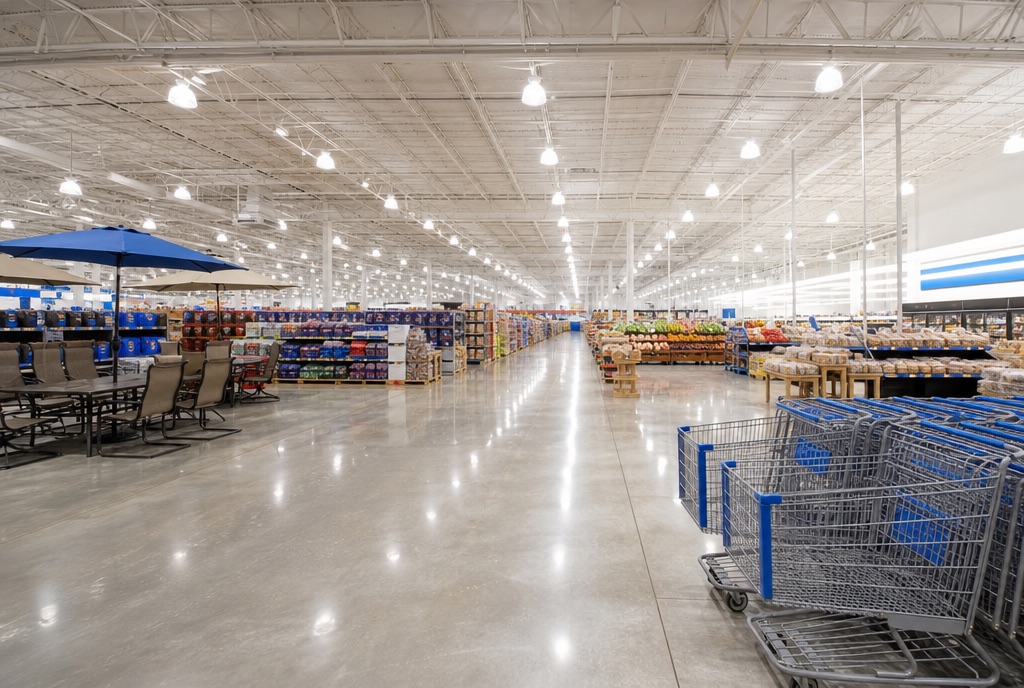
Solutions / Hypermarket
One Retail for hypermarkets
Grocery and general merchandise under one roof, with tenants and a mall around it.
How hypermarkets use One Retail
What the platform does on day one.
Food on the left, fashion on the right, a mall wrapped around it and three operating companies behind it. One catalogue across all of it, planograms for floors the size of football pitches, and the tenants on the same platform as the stores.
- One catalogue across food, fashion and household with variants where they matter
- Planogram library, fixtures and store clusters for very large floors
- Tenant and landlord portals for the mall attached to the store
The pillars that matter most
Four categories carry most of the load in hypermarkets.
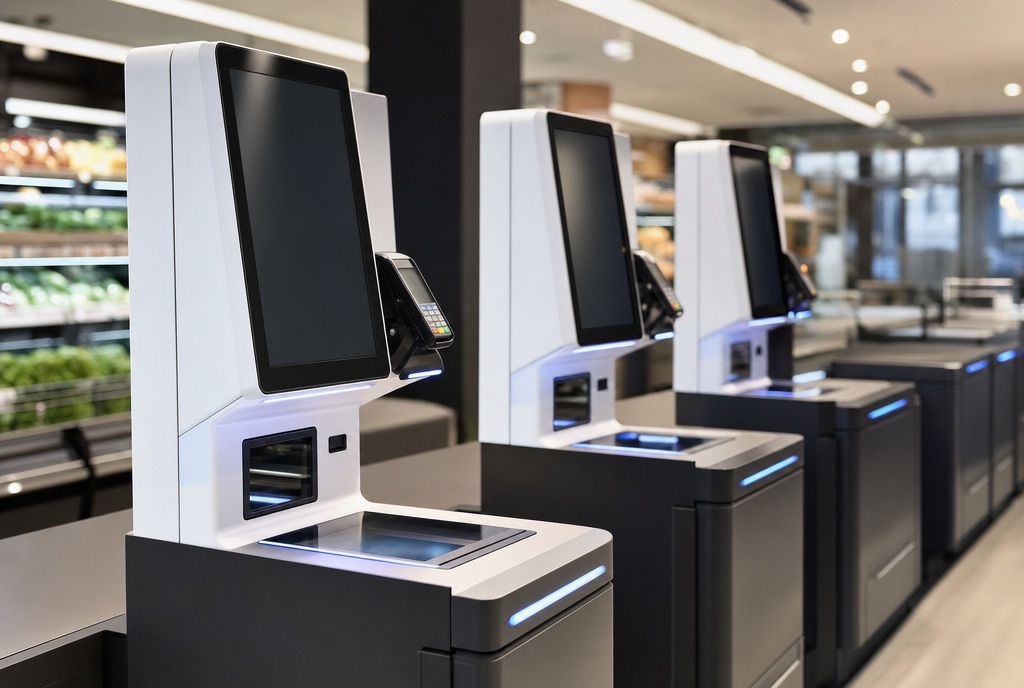
Checkout Platform
The lane is where every decision you made this week gets tested in three seconds. One Retail makes sure the price, the promotion and the points are right on every lane, kiosk and trolley, even when the network is not.
- POS Terminals
- Self Checkout
- Smart Trolleys
- Cashiers
- Promotions
- Product Information (PIM)
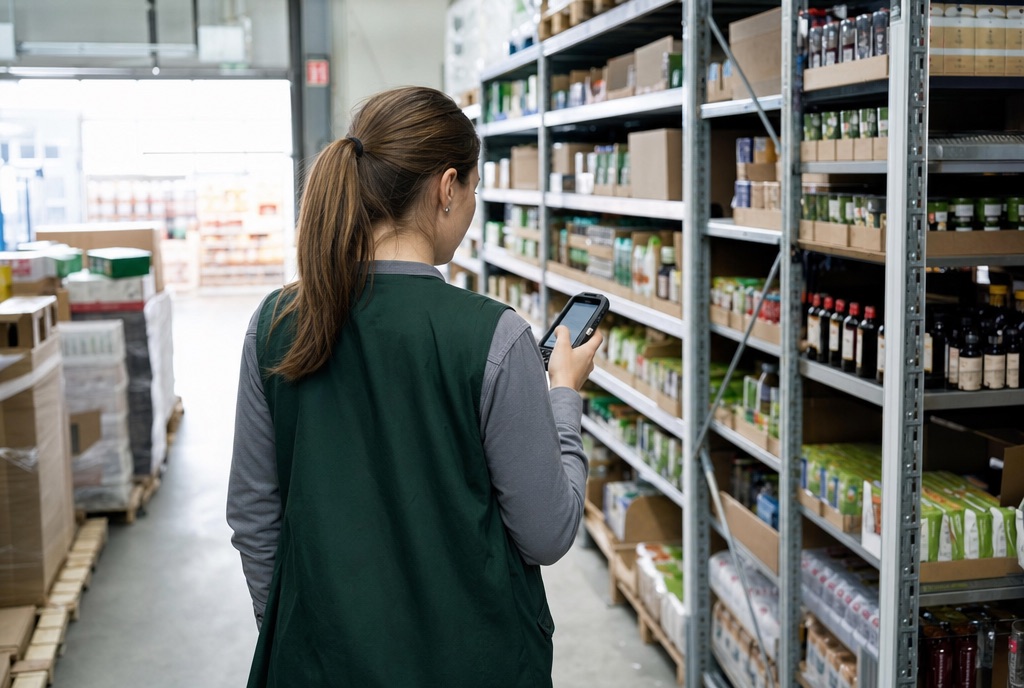
Store Operations
Nobody joined retail to walk to the back office. Receiving, counts, expiry and purchase orders live on the handheld in your team's hand, and head office sees it the moment it happens.
- Receiving
- Goods Return
- Stock Management
- Stock Explorer
- Expiry Control
- Raise Purchase Order
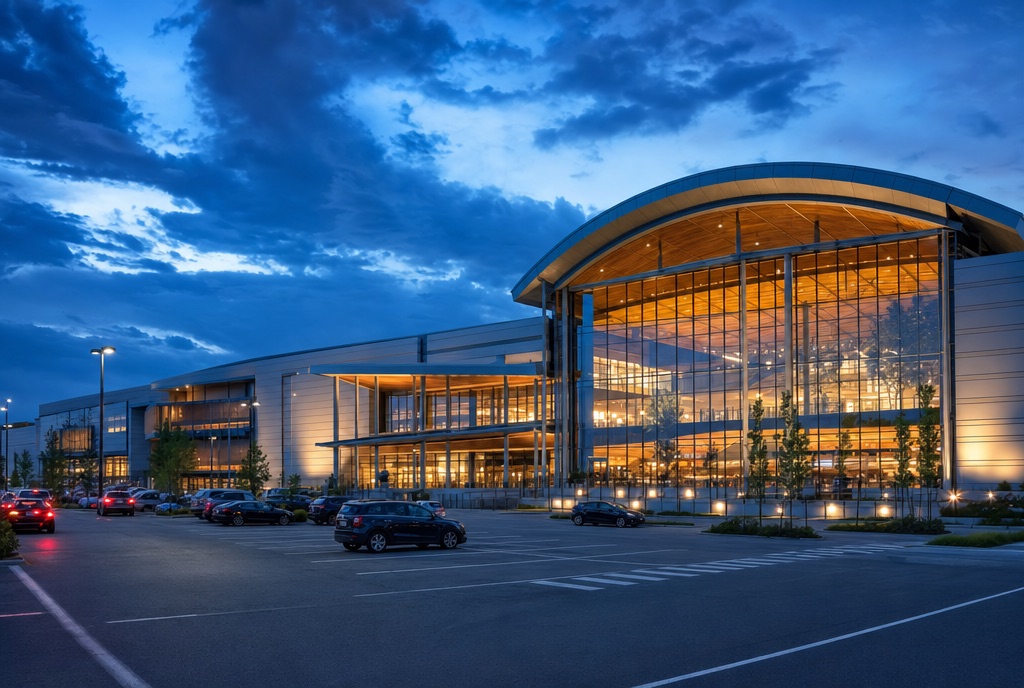
Partners Platform
Suppliers, tenants and landlords are part of your operation, not your inbox. Give them a portal where product data, dock bookings, declarations and contracts move without a single spreadsheet.
- Supplier Portal
- Supplier Data Sharing
- Product Information Intake
- DC Scheduling
- Tenant Portal
- Landlord Portal

Planogram
A planogram that lives in a PDF is a suggestion. Design the shelf once, cluster your stores, and check compliance in the aisle with the handheld.
- Planogram Library
- Fixtures
- Store Layouts
- Store Clusters
- Assignments